Google Analytics 4: A Complete Guide for SEO Professionals
Learn how to set up GA4 properly, configure events and conversions, create custom reports, and use analytics data to inform your SEO strategy.

Advertisement
Key Takeaways
- GA4 uses an event-based data model instead of Universal Analytics' session-based model, offering greater tracking flexibility.
- Integrate GA4 with Google Search Console to analyze organic search behavior alongside post-click engagement.
- Set up custom conversion events and key event funnels to track user paths and calculate content ROI.
Google Analytics 4 represents a fundamental shift from Universal Analytics. Its event-based data model provides more flexibility but requires a different approach to setup and analysis.
Understanding GA4 Data Model
Unlike Universal Analytics which used sessions and pageviews, GA4 uses events and parameters. Every interaction is an event, providing a more detailed picture of user behavior.
Setting Up GA4 Properly
Proper GA4 setup is crucial for accurate data. Install the tracking code, configure data streams, set up enhanced measurement, and define custom events for important user interactions.
Key Reports for SEO
GA4 provides several reports valuable for SEO analysis. The Engagement report shows page views, average engagement time, and event counts. The Acquisition report displays traffic sources and user acquisition channels.
Using GA4 Data for SEO Decisions
Connect GA4 data with Google Search Console to understand how search traffic behaves on your site. Identify pages with high engagement, understand user flow patterns, and find opportunities for content improvement.
Conclusion
GA4 is a powerful tool for SEO professionals. When configured correctly, it provides actionable insights that can drive significant improvements in search performance and user experience.
Analytics Measurement Framework
| Funnel Stage | Recommended Metric | Tool/Method |
|---|---|---|
| Awareness | Organic Impressions & Clicks | Google Search Console |
| Engagement | Average Engagement Time | Google Analytics 4 |
| Conversion | Custom Signups & Event Submissions | GA4 Custom Events |
| Retention | Return Visitor Rate | GA4 Cohort Analysis |
Common Mistakes
- →Targeting Search Volume Over Intent: Creating high-volume informational pieces when the query has a commercial purchase intent leads to zero conversions.
- →Failing to Track Engagement Metrics: Focusing purely on organic sessions while ignoring average engagement time can hide the fact that content is thin or unhelpful.
- →Ignoring Content Decay: Publishing new posts while letting older, high-ranking pages decay without refreshes leads to a drop in overall domain visibility.
- →Publishing AI content without human editing: Raw AI output lacks personal experience and original expert points, violating search guidelines.
When This Does Not Apply
- →Breaking News Media: Real-time reporting blogs prioritizing publishing velocity do not need deep topic clusters, complex metadata, or historical updates.
- →Internal Strategy & Client Reporting: Confidential data analysis presentations or internal dashboard reports do not require public-facing metadata, indexing, or Schema markups.
Official References
Advertisement
Frequently Asked Questions
What is the main difference between GA4 and Universal Analytics?
GA4 is built on an event-based model where every interaction is tracked as an event, whereas UA was based on sessions and pageviews. This allows more granular cross-platform tracking.
Why should I link Google Search Console to GA4?
Linking GSC to GA4 allows you to view search query rankings, impressions, and clicks alongside on-site behavior like engagement time and conversions.
How do I track conversions in GA4?
Define important events (e.g., newsletter signups, ebook downloads, purchases) and mark them as conversion events in the GA4 admin panel.

Full-Stack Developer & Web Architecture Engineer
Liam O'Brien is a Full-Stack Developer with 8+ years of experience building high-performance web applications. He specializes in Next.js, React, and Node.js, with a deep focus on web architecture, performance optimization, and technical SEO. Liam has architected front-end systems for e-commerce platforms handling 10 million+ monthly visitors and has contributed to major open-source projects including Next.js core and React documentation. He is passionate about server-side rendering, edge computing, and building scalable web applications that deliver exceptional user experiences. Liam writes about modern JavaScript frameworks, performance patterns, web vitals optimization, and building for search engine crawlers. He believes that great engineering and great SEO go hand in hand.
Comments are temporarily unavailable.
Stay Updated
Get the latest articles and SEO insights delivered to your inbox.
No spam. Unsubscribe anytime.
Related Articles

Measuring Content Marketing ROI: Metrics That Matter
Learn how to measure content marketing ROI with the right metrics, attribution models, and reporting frameworks that connect content to revenue.

Content Refresh Strategy: Reviving Underperforming Pages
Systematically identify and refresh underperforming content to reclaim lost traffic, improve rankings, and maximize the ROI of your existing content library.
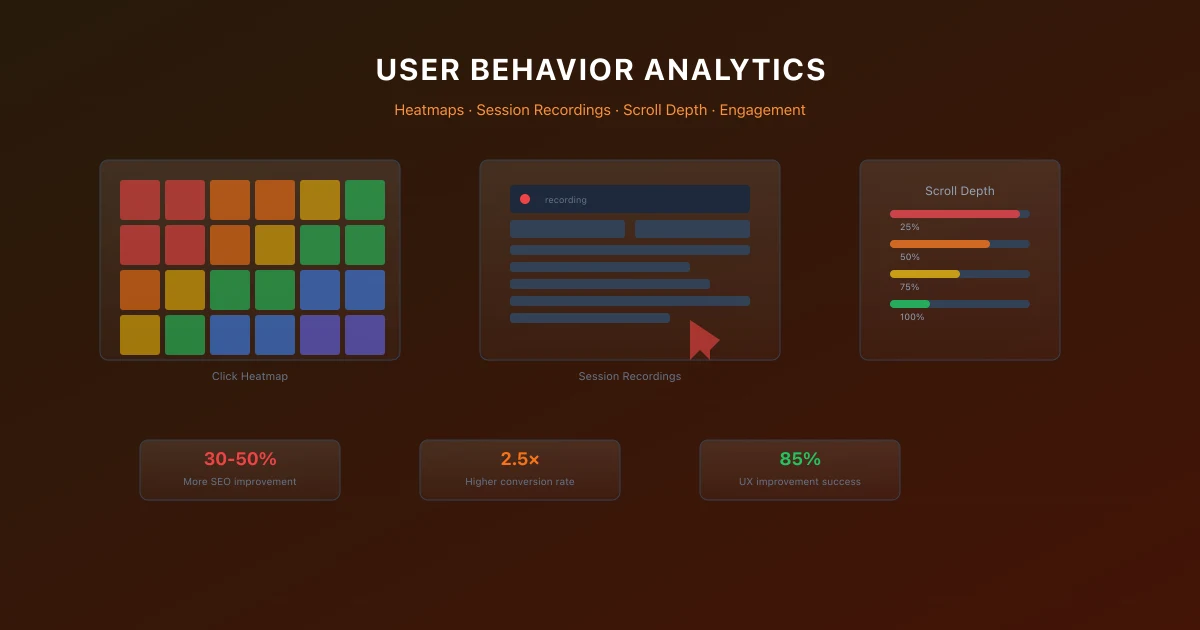
User Behavior Analytics for SEO: Understanding Your Audience
Use user behavior analytics with heatmaps, session recordings, and scroll depth tracking to improve SEO performance.
Advertisement